Import Amazon’s Merchant Tax Report (MTR), B2B and B2C, straight into Tally. Download the MTR from Seller Central – QuikAccount does the rest.
Need help? Call or WhatsApp 93584-44502. Free installation and demo support.
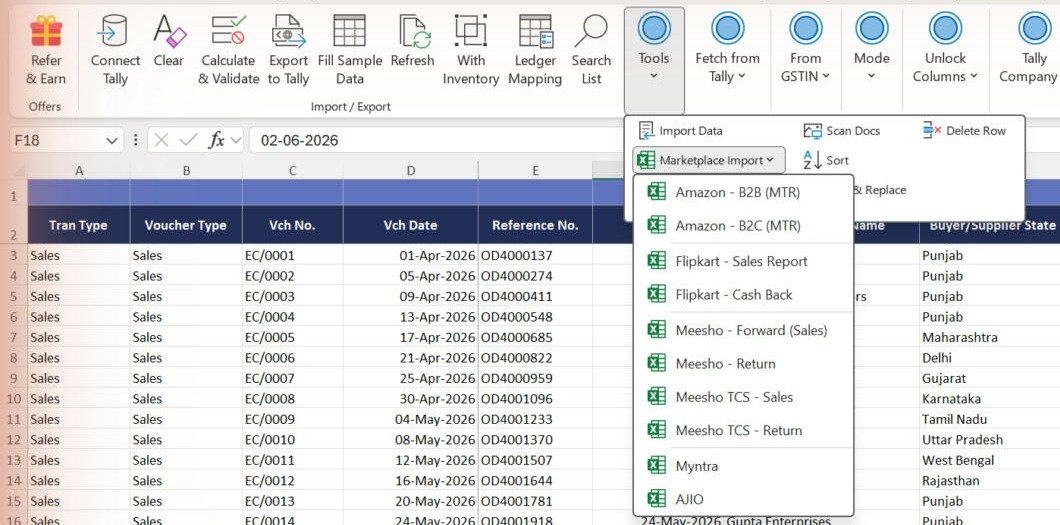
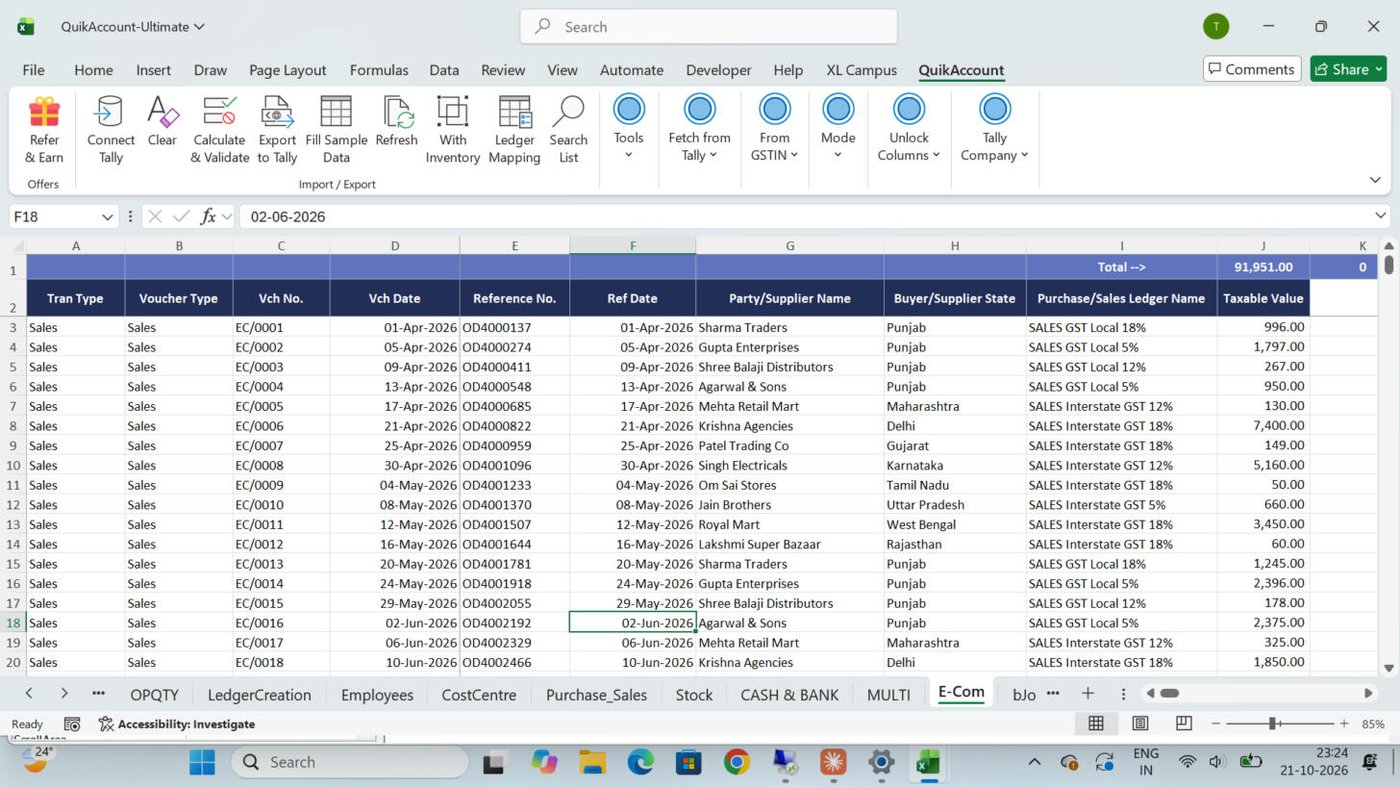

Invoice no., date and Amazon order no. and date, to match settlements.
The raw report is imported as it is; tax is calculated.
Posted to the Amazon ledger with buyer name and GSTIN for GSTR-1.
e.g. Amazon Sales and Amazon Credit Note in one run.
Shipping charges and TCS ledgers handled.
Returns become credit notes automatically.

0
0
0
For Utility, Support and Service


Recently
Great software, User friendly & Superb support. All GST reports shows accurate results. Multiple formats for each voucher to suit our need. Whatever format of data you have, you can export that to tally. Good Job... QuikAccount Team!

Recently
Software is user-friendly. It provide lot of option to cater your need and give results in desired format. Also it ask for minimum data and most of the fields are either auto-calculated or imported from tally which makes working on this software very faster.

Recently
Superb tool to integrate excel data in Tally. We have imported complex e-commerce reports with this tool and it has imported large data accurately and very fast too. Company provided one click import option for multiple e-commerce platforms.
Share your details and we will get back to you.